Kimi K2: China’s Open-Source AI Challenger to GPT-4
Kimi K2 isn’t just another large language model — it’s a serious open-source rival to the biggest names in AI, including GPT-4 and Claude Opus.


Kimi K2 isn’t just another large language model — it’s a serious open-source rival to the biggest names in AI, including GPT-4 and Claude Opus.
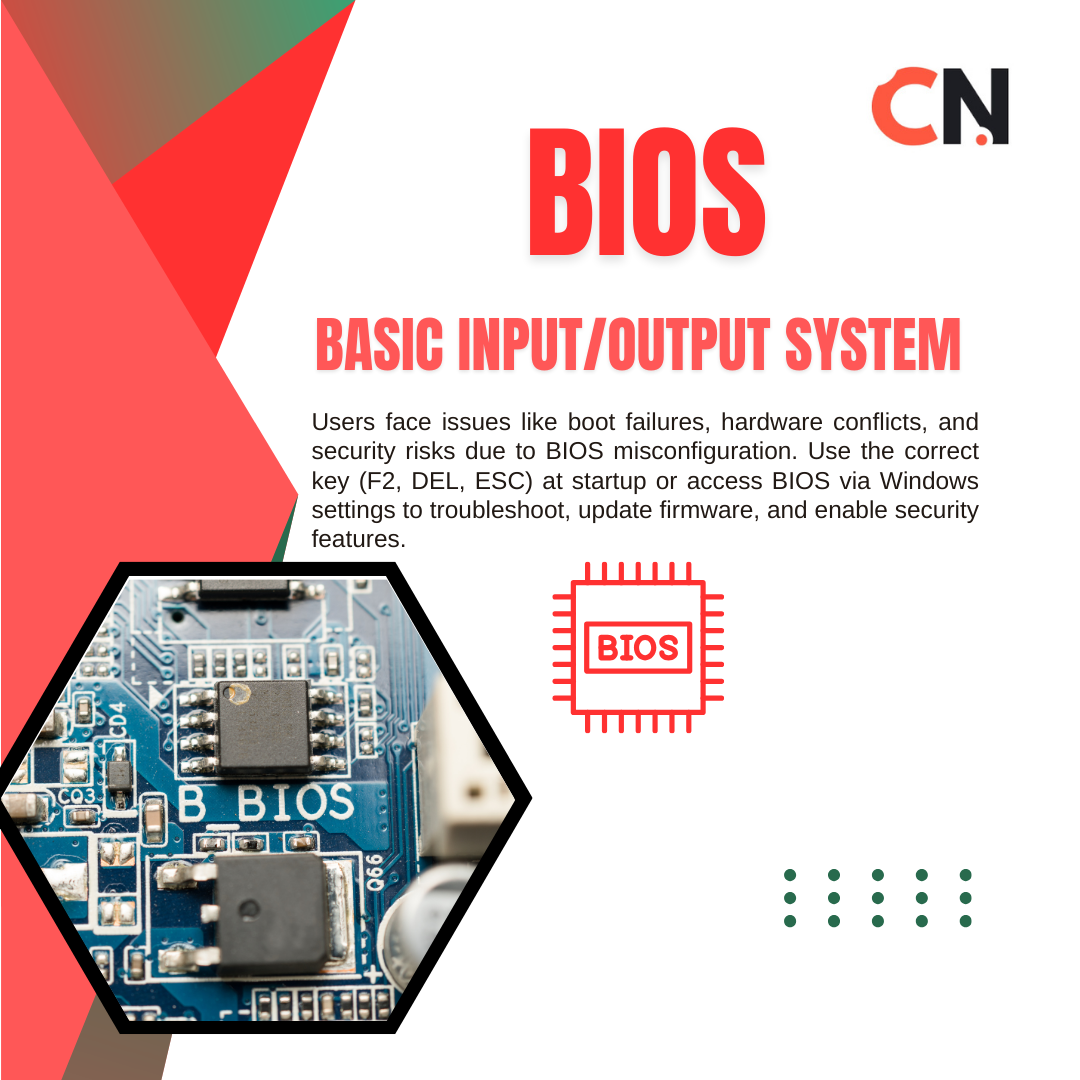
The BIOS (Basic Input/Output System) is a fundamental part of your computer, responsible for initializing hardware and loading the operating system when you power on your PC. It acts as a bridge between your computer's firmware and the operating system, ensuring that all hardware components function properly. How to Access BIOS on Windows PCs? To enter the BIOS, follow these steps: 1️⃣ Restart Your PC and press the designated key repeatedly during startup. 2️⃣ Common BIOS Keys: F2, F12, DEL, or ESC (Varies by manufacturer). 3️⃣ If you're using Windows 10/11, access BIOS through Advanced Startup: Go to Settings > Update & Security > Recovery Click Restart Now under "Advanced Startup" Select Troubleshoot > Advanced options > UEFI Firmware Settings 4️⃣ Your PC will reboot into the BIOS menu, where you can modify system settings. Read More: https://blog.corenexis.com/what-is-bios-and-how-to-access-it-on-windows-pcs